Capacity Settings
Settings → Capacity (garage admins only -- these are the owner's numbers) is how MechIQ works out how much work a day can take. Three numbers, saved with the Save bar at the bottom of the page.
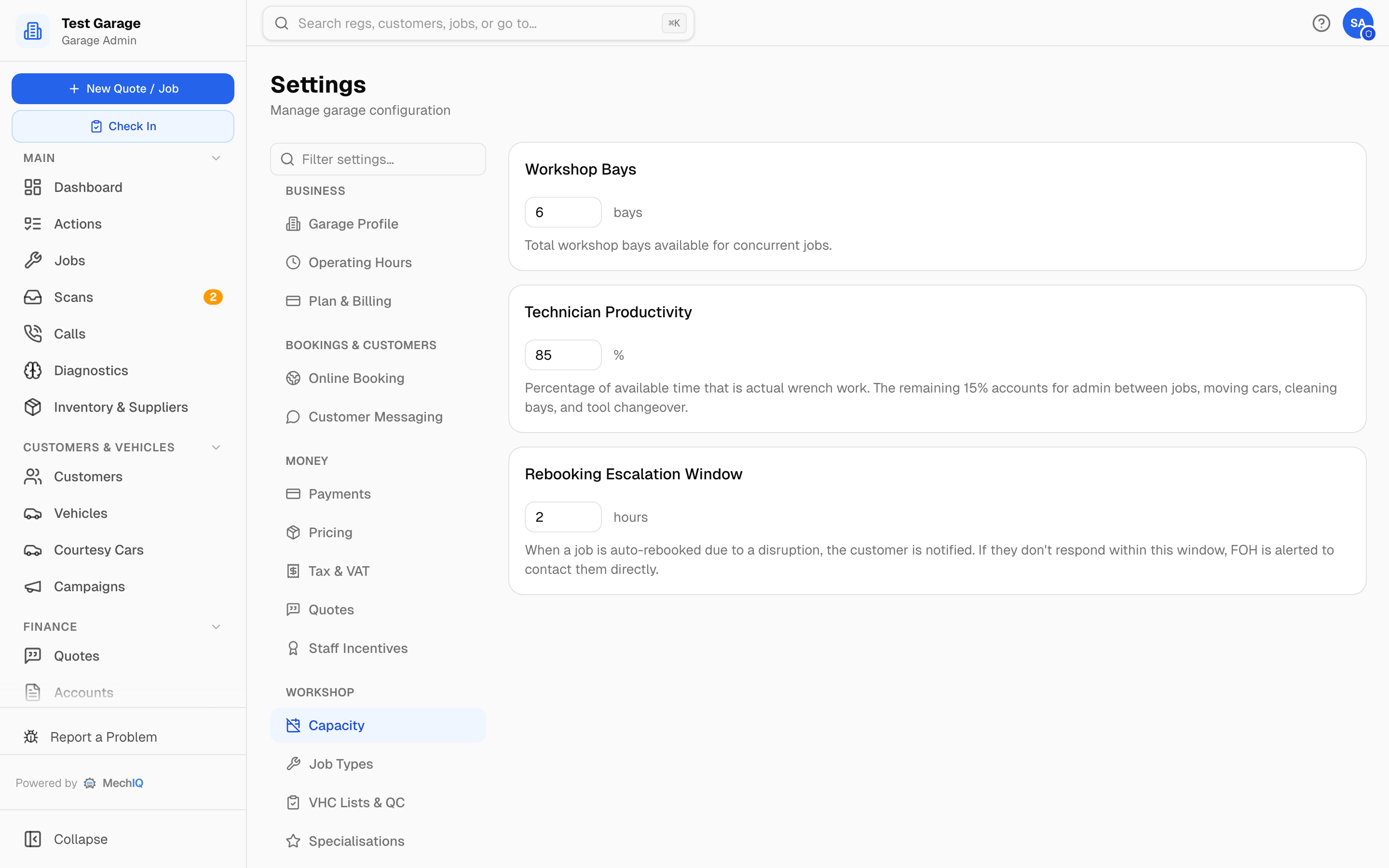 Settings → Capacity.
- Workshop Bays — default 12 (1–50). The total bays available for jobs at the same time. It sets the size of the dashboard's bay board and the maximum a Bay Out of Service override can reduce to.
- Technician Productivity — default 85%. The share of a technician's available time that is actual work on cars; the rest covers admin between jobs, moving cars, cleaning bays and tool changeover. A day's capacity = each technician's hours that day (their own working window inside the garage's open hours, less the break), added up for everyone in, × this percentage.
- Rebooking Escalation Window — default 2 hours (1–72). When a job is auto-rebooked because of a disruption (a technician off sick, a closure), the customer is notified. If they don't respond within this window, FOH is alerted to contact them directly.
Capacity is technician-based: it comes from the technicians in, never from the bay count (ramps matter only when one goes out of action — Tech off / ramp down). Each person's pattern on the Team page decides whether they are in on that day and for which hours, so a half day counts as half a day. Leave takes off only a technician's hours, once — a front-desk person on holiday changes nothing. Only people with Put them in the diary ticked add hours — someone who works on jobs but isn't scheduled, like an owner or a manager covering when it's busy, is deliberately left out so the day isn't sold twice. Every screen reads the same figure: Xh free of Yh. Bank holidays, shutdowns and bays out of service are set under Operating Hours, not here.
Related
- Work Schedules — opening hours, per-person hours and closures.
- Online Booking — what share of capacity is released to the booking page.