Scan Uploads
Settings → Scan Uploads (open to garage admins and FOH) shows one thing: your garage's scan email address, in the form uploads@{your-garage}.mechiq.ie, with a Copy button. There is nothing to configure.
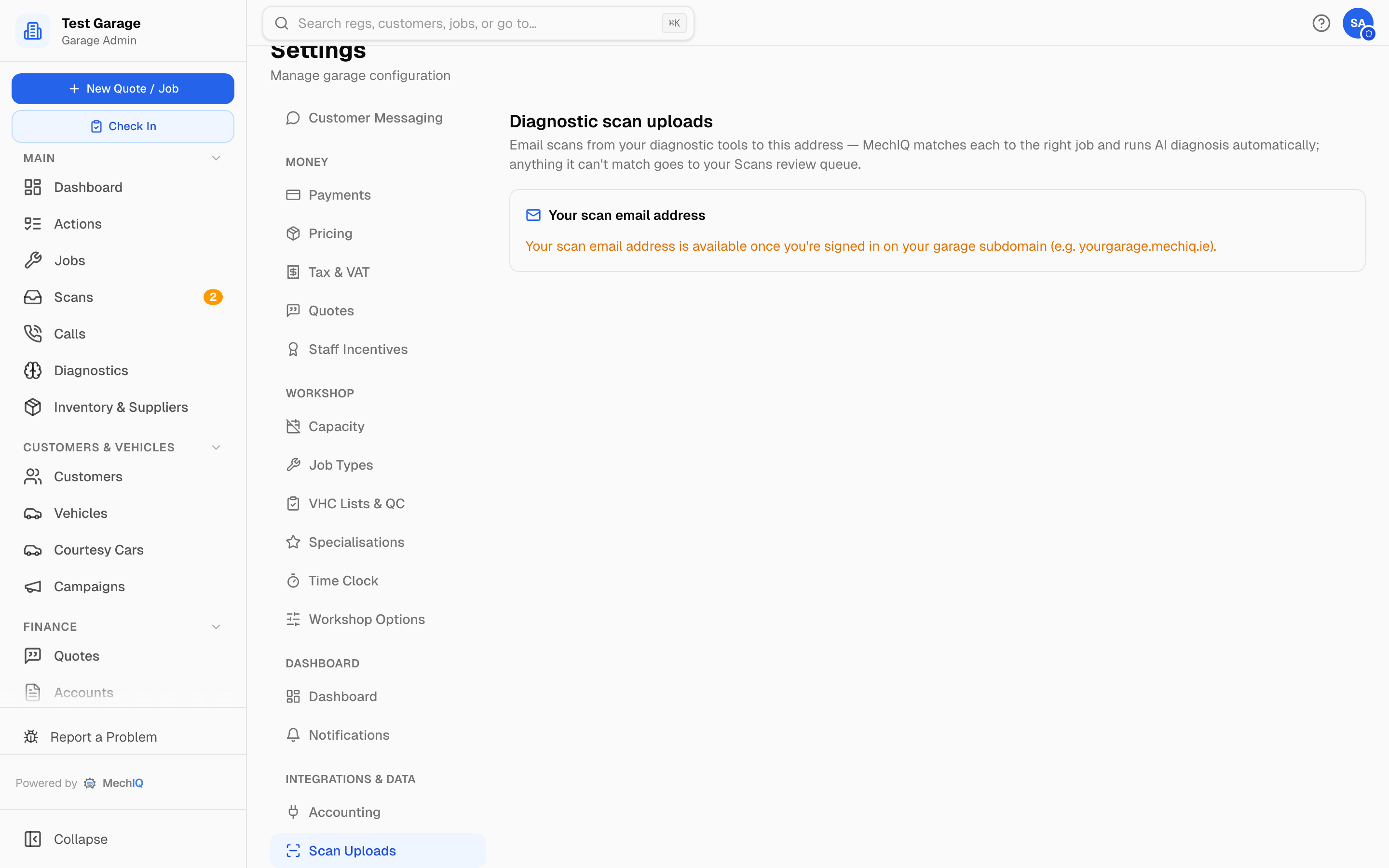 Settings → Scan Uploads.
Email a scan report from your diagnostic tool (or forward one from your phone) to that address and MechIQ:
- reads the registration or VIN in the report and matches it to the open job for that vehicle;
- attaches the scan to the job and runs the AI diagnosis automatically;
- sends anything it can't match to the Scans page (the review queue in the sidebar) for someone at the desk to attach by hand. If a scan's vehicle doesn't match the job it landed on, a Scan may be for the wrong vehicle action asks you to check it.
Save the address as a contact on the workshop's scan tool, tablet or phone so it's one tap to send.
Related
- Email Diagnostic Scans (FOH section) — the full flow, including what to do with unmatched scans.
- Inbound Scans (FOH section) — the Scans review page.