Setting Up Courtesy Cars
If your garage lends courtesy (loan) cars to customers, you can manage them in MechIQ -- register your fleet, track which cars are out and when they're due back, link a loan to a job, and get reminded before a car's insurance expires.
The feature is optional and off by default. As a garage admin you turn it on once; after that, front-of-house use it day to day.
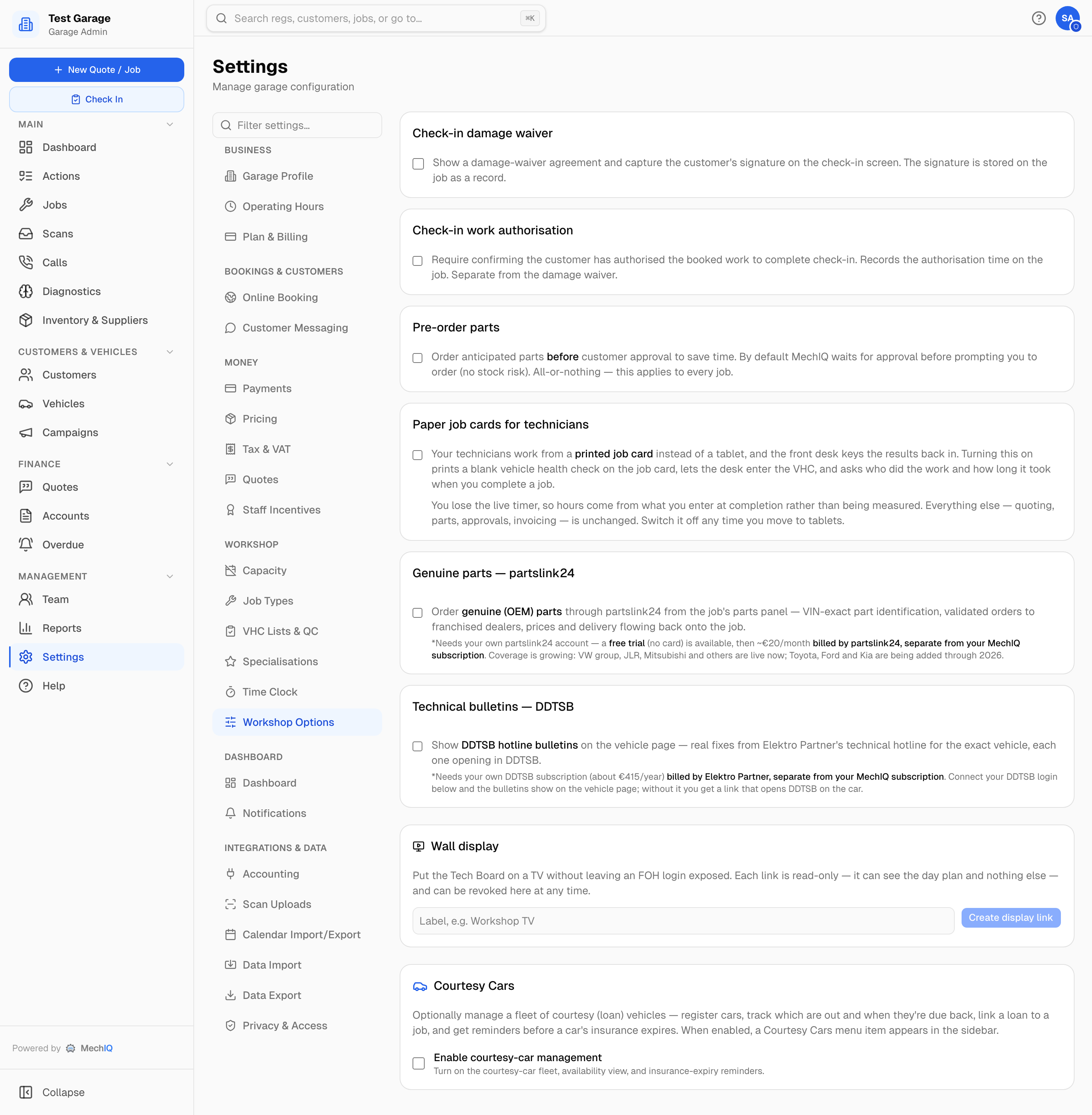 The Courtesy Cars card is the last card on Settings → Workshop Options.
Enabling Courtesy Cars
- Go to Settings → Workshop Options (admin only) and scroll to the Courtesy Cars card at the bottom.
- Tick Enable courtesy-car management.
- Click the card's own Save button (it appears once you change the tick box).
That's all that's needed. While the toggle is off, the feature stays completely hidden -- there's no menu item and no courtesy-car panel on jobs.
What Turning It On Does
Once enabled, a Courtesy Cars item appears in the sidebar (for admins and front-of-house), and a courtesy-car panel appears on the job sidebar so a loan car can be assigned to a job and returned. The feature includes:
- a fleet register of your courtesy vehicles,
- a "cars out / due back" availability view,
- assign-to-job and return on the job,
- an insurance-expiry reminder so you're warned before a car's cover lapses.
Day-to-Day Use
Registering cars, assigning a loan to a customer's job and recording returns is front-of-house's day-to-day job -- see the Courtesy Cars article in the Front of House section for how to do that.
Tips
- Add your full courtesy fleet in one go after enabling, including each car's insurance expiry, so the reminders work from the start.
- If you stop offering courtesy cars, untick the toggle to hide the feature again -- your existing records are kept.